Run Pipeline
See also Pipelines for a detailed description of the available pipelines and their parameters.
A pipeline is a retrieval algorithm that belongs to a project. The Pipeline Editor allows you to test pipelines. Think of it as an alternative to testing the pipeline API with swagger.
flowchart TD
  Q["query parameters (JSON payload)"] --> P["pipeline"]
  I["project indexes / collections"] --> P
  P --> R["list of results with metadata"]
Here is an overview of the pipelines.
tellusrSearch: Implements hybrid search. Returns a result list of TellusR documents matching the query with optional highlights, facets, filters.topChunkRag: Used for RAG workflows. Used by assistants created in TellusR.topDocRag: Also used for RAG workflows.documentStream: An iterator of the documents in the project. Can be used to extract all data.autocorrect: A pipeline for making corrections to misspellings.suggestDocs: A pipeline for recommending documents withtitlefield that closely matches the query.inspectDocument: Fetches a whole document by itsidfield.
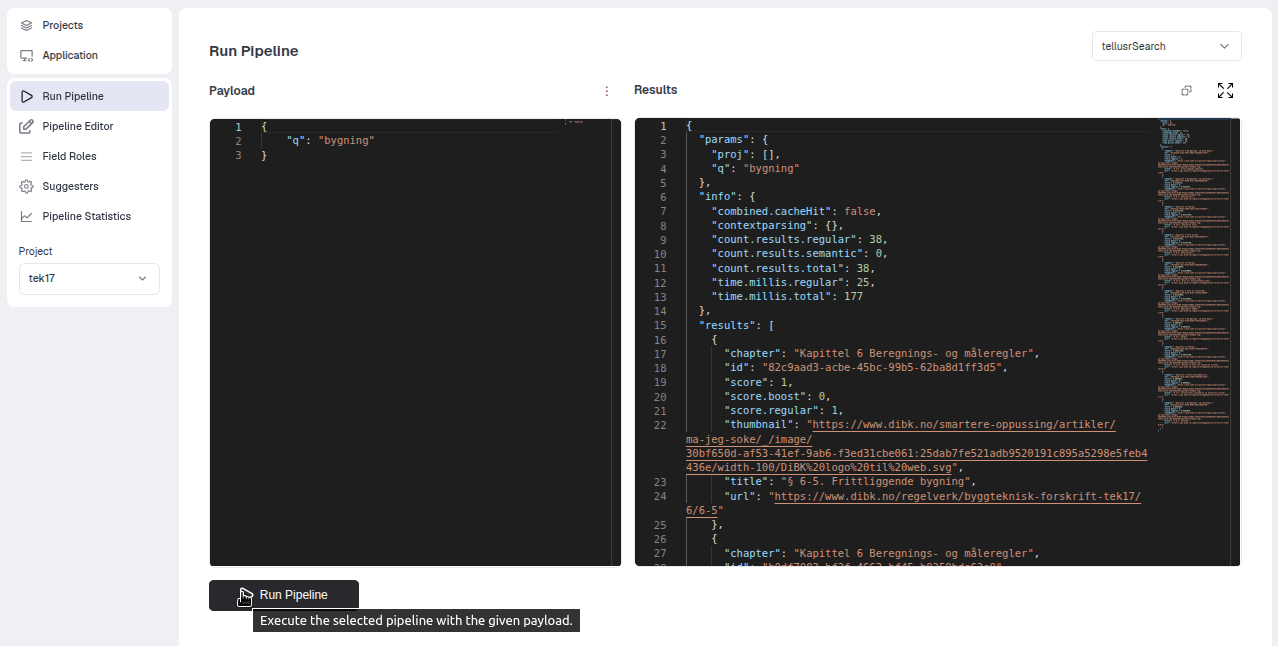
Example 1 (simple query)
In the example below we have entered a simple TellusR query against the tellusrSearch pipeline that implements the
search algorithm.
Example 2 (query with more parameters and filters)
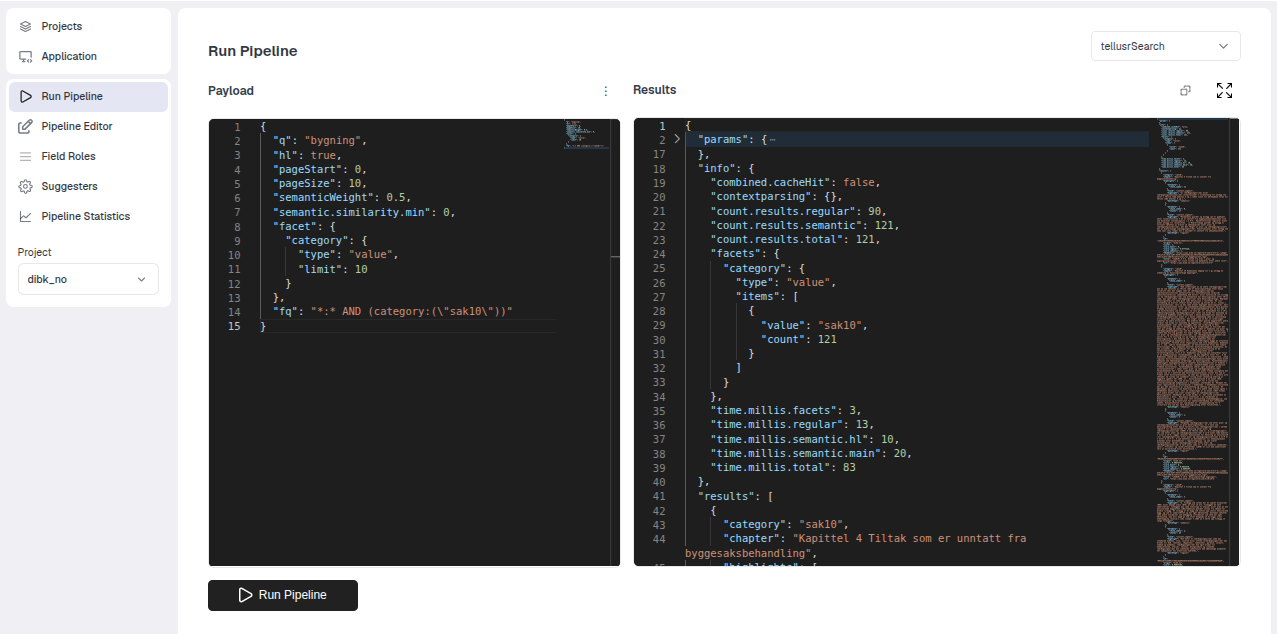
Below is a more complicated query. See the Swagger docs on documentation about query parameters.
{
  "q": "bygning",
  "hl": true,
  "pageStart": 0,
  "pageSize": 10,
  "semanticWeight": 0.5,
  "semantic.similarity.min": 0,
  "facet": {
    "category": {
      "type": "value",
      "limit": 10
    }
  },
  "fq": "*:* AND (category:(\"sak10\"))"
}
It makes a query, asks for highlights, uses pagination and requests facets.